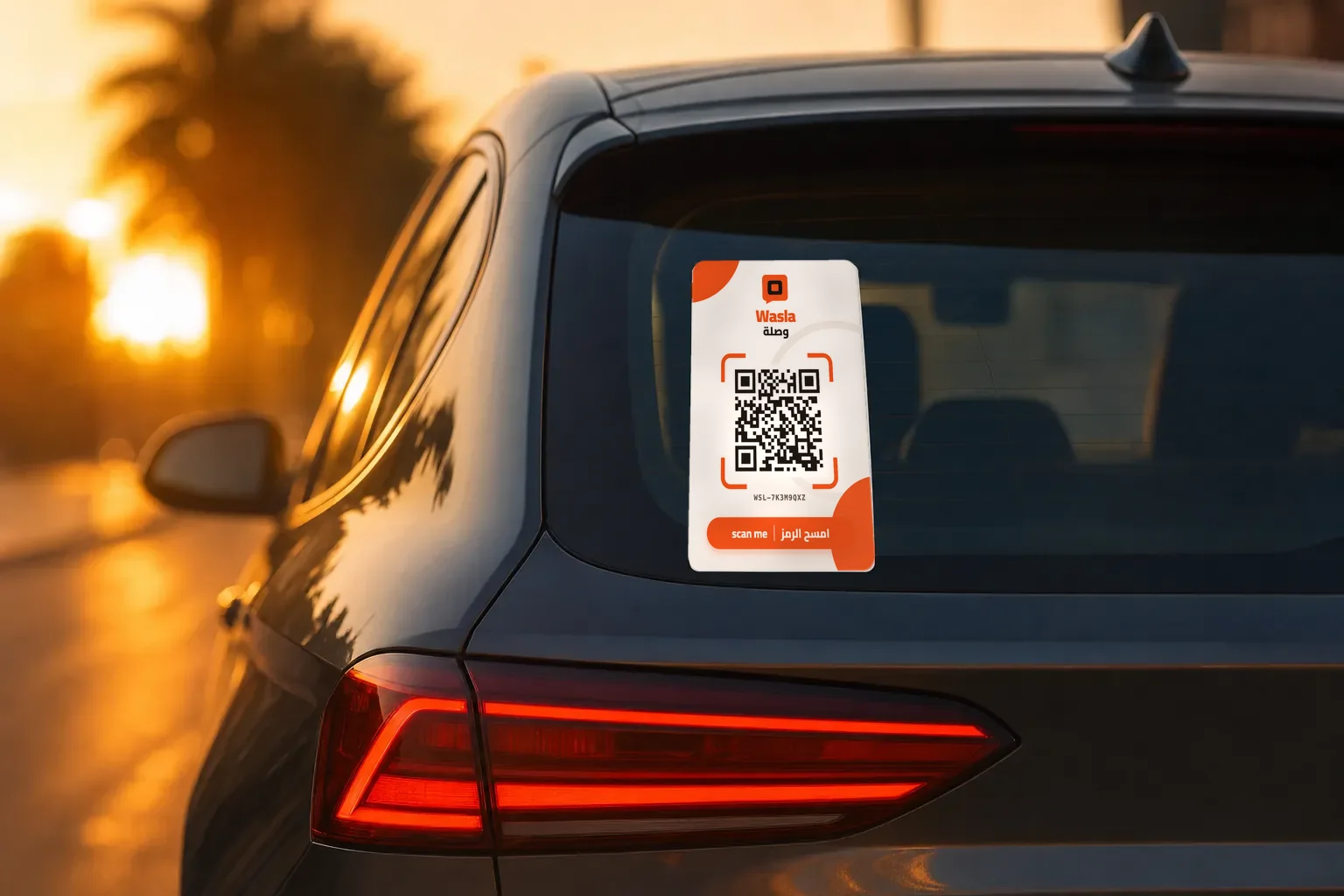
How it works
From the sticker to the message that reaches you.
Just two people: whoever scans the sticker, and you. Neither of you has to install an app.
For the person scanning
Under a minute, no account.
- 1
They scan the code
With their camera. The page opens straight in the browser.
- 2
They pick a reason
Six clear reasons cover most everyday situations.
- 3
They send it
They can add a note and a way to reach them, and that's it.
For you, the owner
Set it up once and stop thinking about it.
- 1
Order
Pay on delivery. Your sticker arrives in its sleeve.
- 2
Activate
Scan the sticker, enter your details and the code sent to WhatsApp.
- 3
Stick
On clean, dry glass, clearly visible from outside.
- 4
Turn on notifications
So messages reach your phone the moment they arrive.
On iPhone, add the site to your Home Screen first. iOS only sends web notifications to sites added that way.
Wasla is not an emergency service
A message sent through Wasla only alerts the car's owner. In immediate danger, call the emergency services.
Give your car a way to reach you.
Order, pay on delivery, stick it on and forget about it.
Order your sticker